![Smoothx_Logo_FC_White_RGB.png]](https://support.smoothx.com/hs-fs/hubfs/Smoothx_Logo_FC_White_RGB.png?height=20&name=Smoothx_Logo_FC_White_RGB.png)
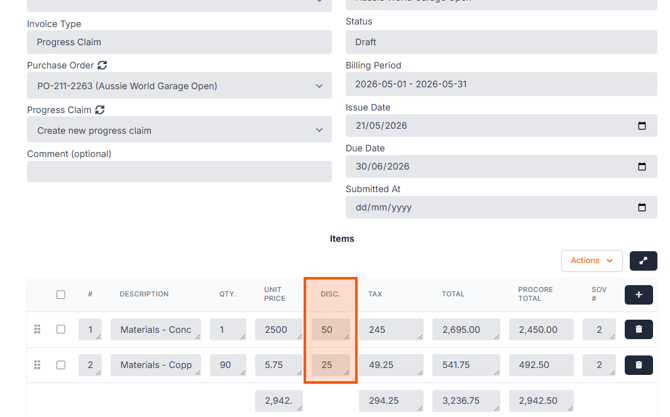
Discounts can be applied to the Procore Total, or deducted from the Unit Price.
How to Apply a Discount
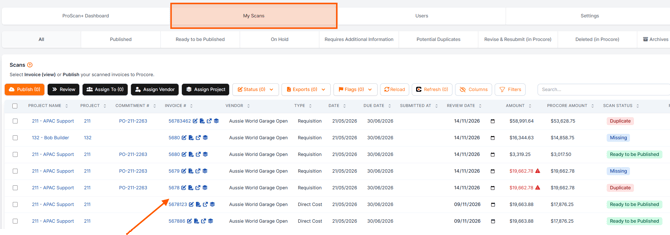
- Open Smoothx Tools and select ProScan+
- Navigate to My Scans
- Open the selected scan
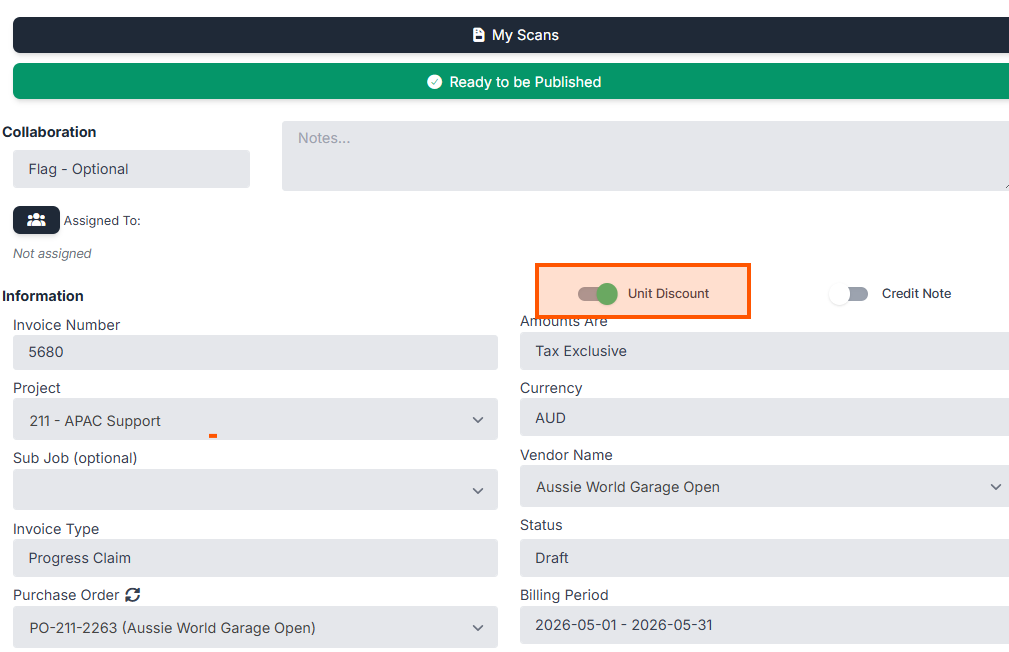
- The Unit Discount Setting:
Toggle the switch depending on your calculation requirement:
- OFF: When turned off, the discount amount applies to the Procore total amount.
- ON: When turned on, the discount applies per unit price.
Click Save to keep any changes made.
Example Discount Field