![Smoothx_Logo_FC_White_RGB.png]](https://support.smoothx.com/hs-fs/hubfs/Smoothx_Logo_FC_White_RGB.png?height=20&name=Smoothx_Logo_FC_White_RGB.png)
You can bulk review selected scans from My Scans, ready to then be pubished.
How to bulk review scans:
- Go to My Scans
- Select the "Requires Additional Information" filter
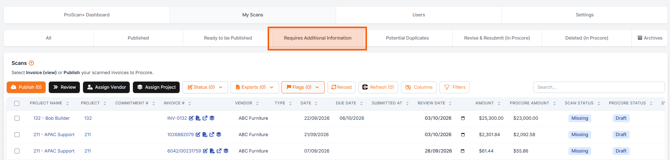
- Tick the selected scans
- Click Review
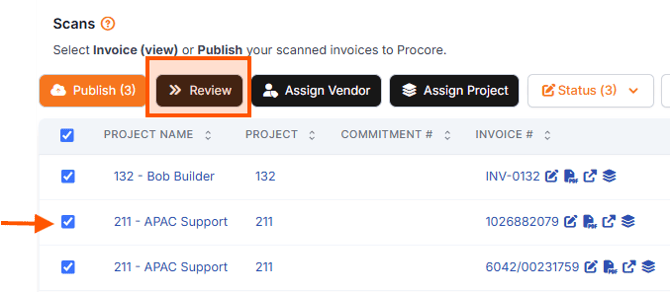
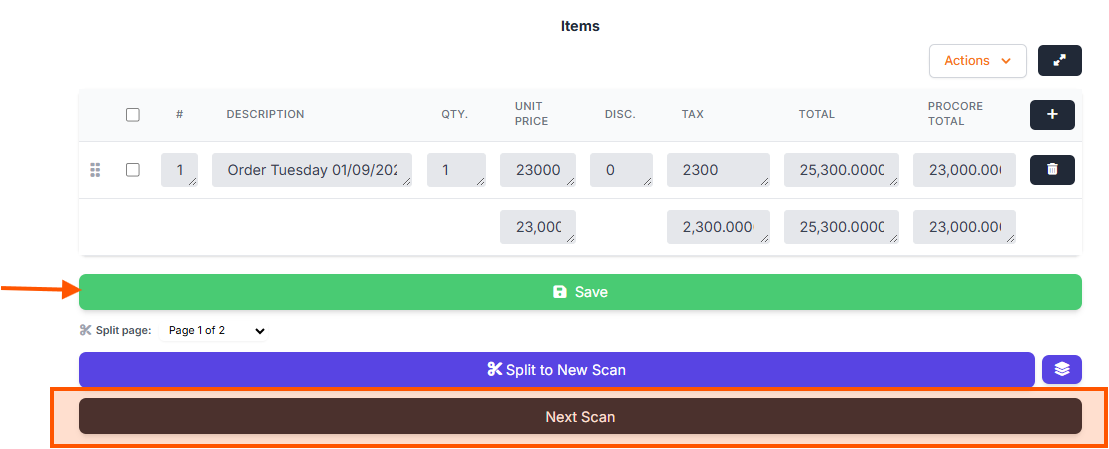
- Your first scan will open, ready for review/edit
- Click Save
- Click Next Scan
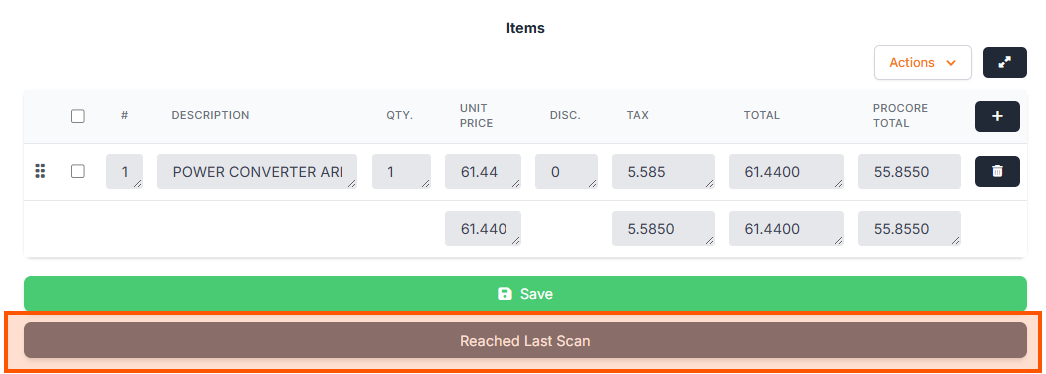
- Continue to your last scan
- Click Reached Last Scan to return to My Scans.