![Smoothx_Logo_FC_White_RGB.png]](https://support.smoothx.com/hs-fs/hubfs/Smoothx_Logo_FC_White_RGB.png?height=20&name=Smoothx_Logo_FC_White_RGB.png)
To publish an individual Direct Cost scan/invoice to Procore, follow these steps:
Scans must have the Ready to be Published status in order to publish.
There are also Bulk Publish functions available.
- Open Smoothx Tools and select ProScan+
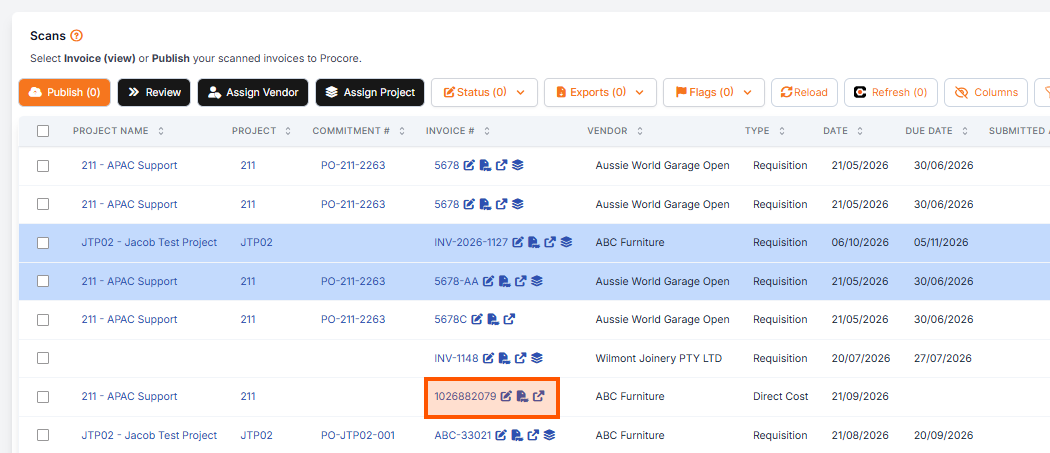
- Navigate to My Scans
-
Open the scan to be published
-
Verify Invoice Details: Ensure that the PROJECT, VENDOR, and PROCORE AMOUNT fields are correctly populated.
-
Click Publish to Procore
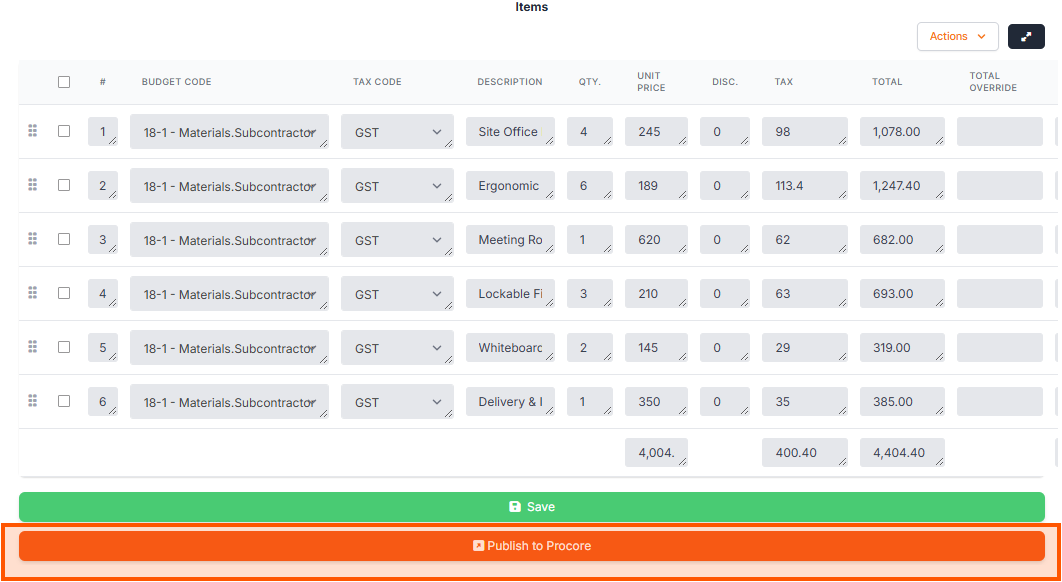
Click Save if not ready to publish. Return to complete your publishing later.