![Smoothx_Logo_FC_White_RGB.png]](https://support.smoothx.com/hs-fs/hubfs/Smoothx_Logo_FC_White_RGB.png?height=20&name=Smoothx_Logo_FC_White_RGB.png)
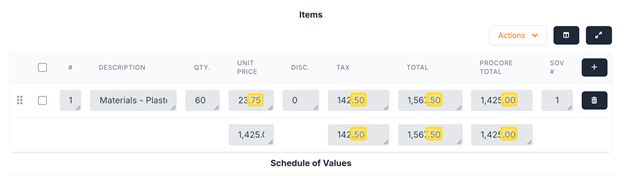
Control the number of decimal places displayed in ProScan+.
This can be helpful when managing rounding issues.
How to Set Decimal Place Limit (Admin User Only)
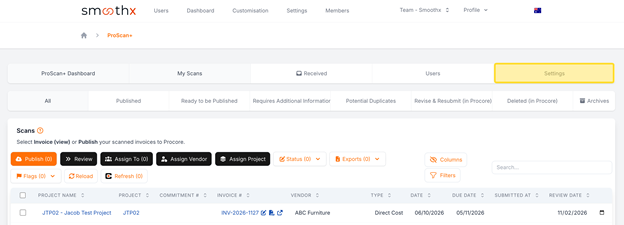
- Open Smoothx Tools and select ProScan+
- Navigate to Settings
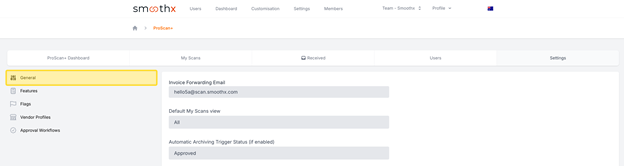
- Select General menu
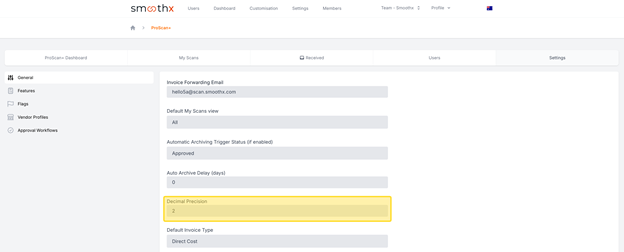
- Locate the Decimal Precision setting
- Edit as required (e.g. 2, 3 or 4)
- Click Save
Verification
Make sure your changes are saved successfully and all financial values across your scans reflect the specified decimal precision.