![Smoothx_Logo_FC_White_RGB.png]](https://support.smoothx.com/hs-fs/hubfs/Smoothx_Logo_FC_White_RGB.png?height=20&name=Smoothx_Logo_FC_White_RGB.png)
The Cost Plus & ProScan+ Marketplace App is required to link Smoothx Tools to your Procore account.
Here are instructions on how to install and configure the ProScan+ Marketplace App in Procore:
Install ProScan+ Marketplace App
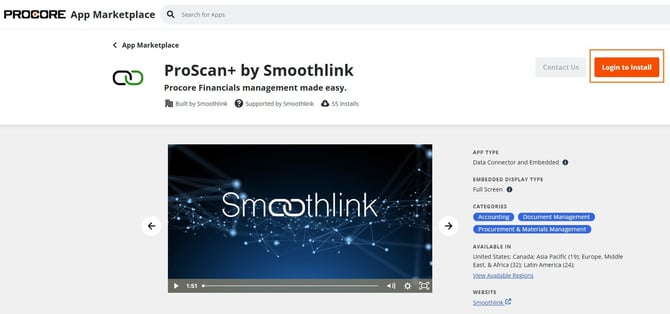
- Navigate to the Procore Marketplace Apps - ProScan+ and log in with your Procore credentials.
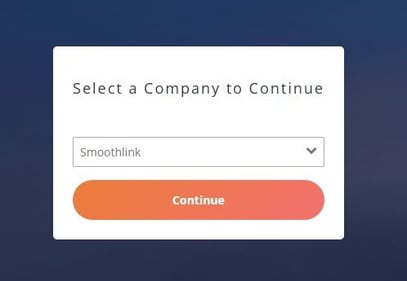
- If prompted, select the company you want to log in to and click Continue.
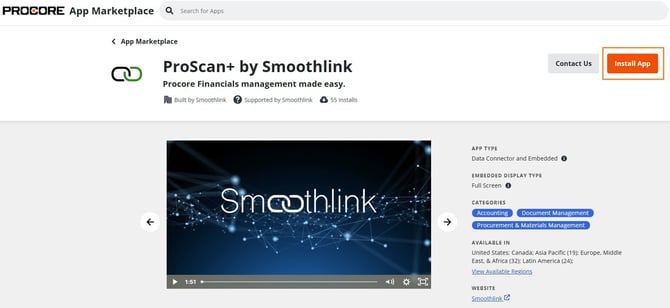
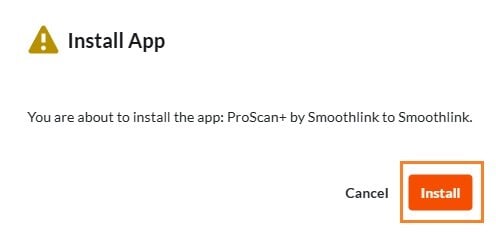
- Click Install App
- Click Install
Configure ProScan+ Marketplace App
-
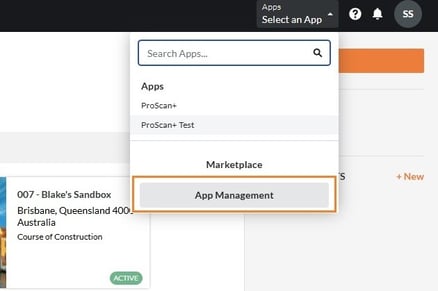
Select the Apps menu in Procore (top right of screen)
-
Click App Management
-
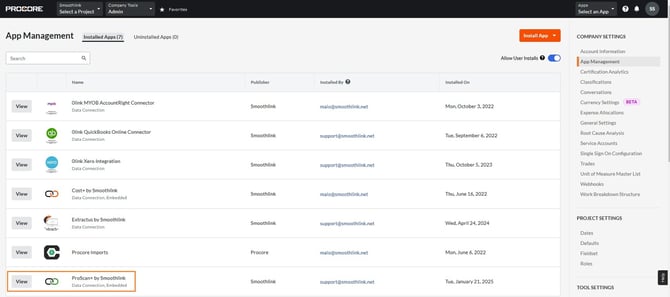
Click View
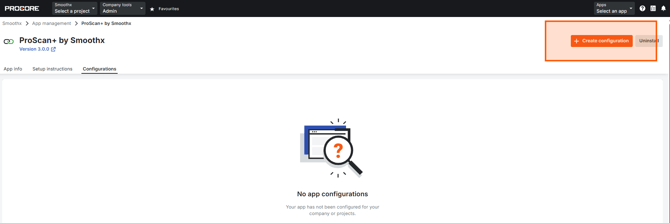
- Select the Configurations menu
- Click Create Configuration
- Select individual Projects or tick Globaal Projects/Complete Level Config options
- Enter a Title - "ProScan+"
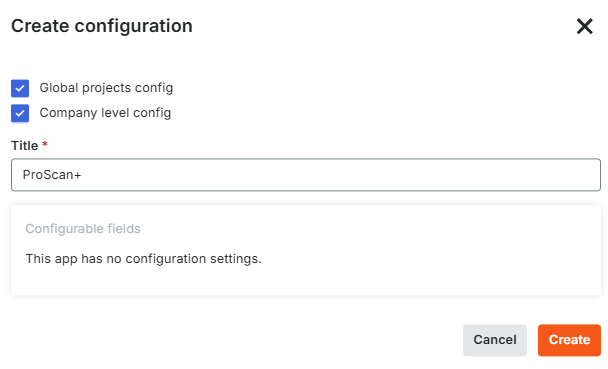
- Click Create
- Close Procore
Access ProScan+ Marketplace App
- Select the Apps menu in Procore (top right of screen)
- Click ProScan+ App
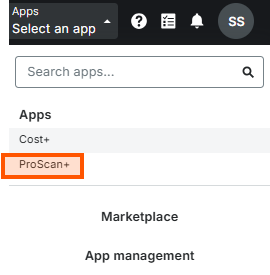
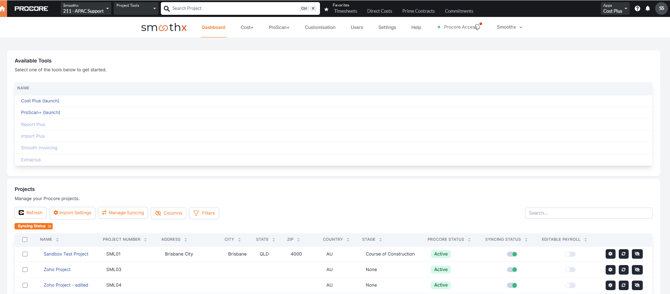
You can now access all available ProScan+ features inside your Procore account.