![Smoothx_Logo_FC_White_RGB.png]](https://support.smoothx.com/hs-fs/hubfs/Smoothx_Logo_FC_White_RGB.png?height=20&name=Smoothx_Logo_FC_White_RGB.png)
The ProScan+ mobile application allows you to send expense receipts/invoiecs directly from your phone to ProScan+ My Scans.
Click here to download: iOS or Android App
Upload Scan to ProScan+
- Open ProScan+ App
- Click Scan
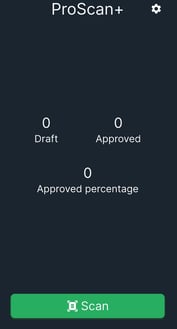
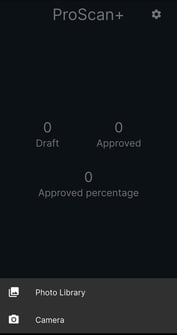
- Select image from Photo Library or Camera
- When uploaded you will see a Success screen
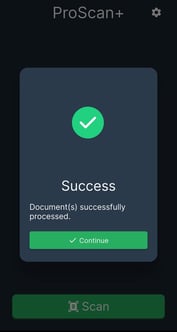
Scan will now be available in the My Scans section of ProScan+