![Smoothx_Logo_FC_White_RGB.png]](https://support.smoothx.com/hs-fs/hubfs/Smoothx_Logo_FC_White_RGB.png?height=20&name=Smoothx_Logo_FC_White_RGB.png)
When Procore Cost Codes or Cost Types are updated you may be required to refresh these in your Smoothx Tools.
Smoothx Tools Admin User Only
Refresh Procore Company Cost Codes & Cost Types
- Open Smoothx Tools
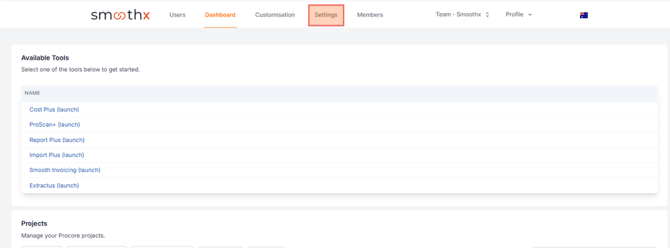
- Navigate to the Settings menu
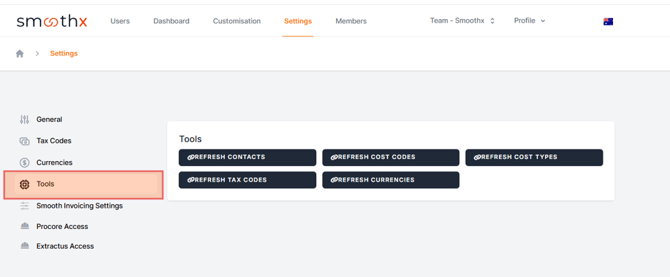
- Select Tools
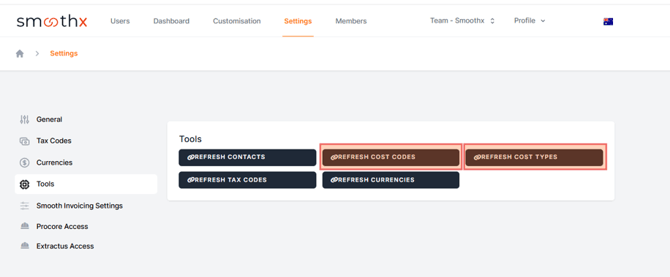
- Click the Refresh Cost Code button, followed by the Refresh Cost Types