![Smoothx_Logo_FC_White_RGB.png]](https://support.smoothx.com/hs-fs/hubfs/Smoothx_Logo_FC_White_RGB.png?height=20&name=Smoothx_Logo_FC_White_RGB.png)
You can access ProScan+ via Smoothx Tools or via Procore Marketplace App
Here are instructions on how to log in and reset your password:
Logging In - Via Web Browser
- Go to Smoothx Tools - https://tools.smoothx.com/
- Enter your email and password
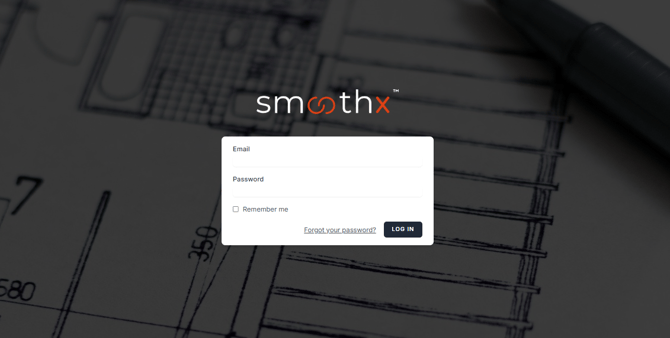
- Check Remember me
- Click Log In
Logging In - Via Procore
Access ProScan+ from inside Procore.
To install and access, see: ProScan+ - Install Procore Marketplace App
Forgot your password
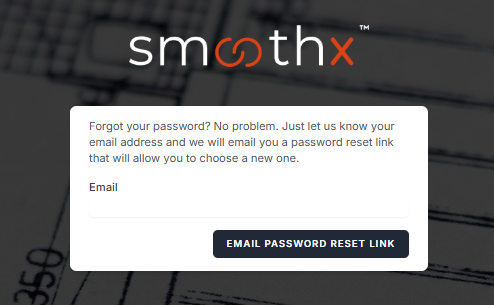
- Click Forgot your Password? link
- Enter your Email
- Click Email Password Reset Link
- Open Reset Password Notification from your email inbox
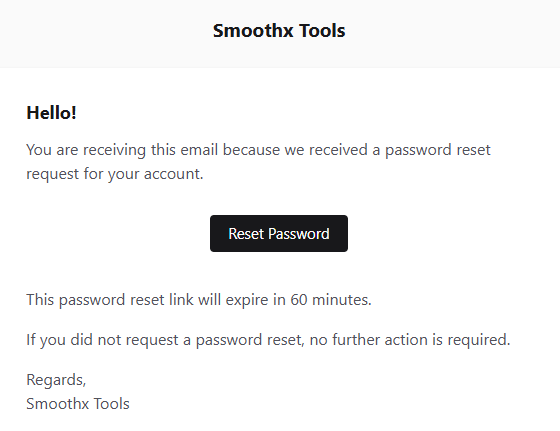
- Click Reset Password
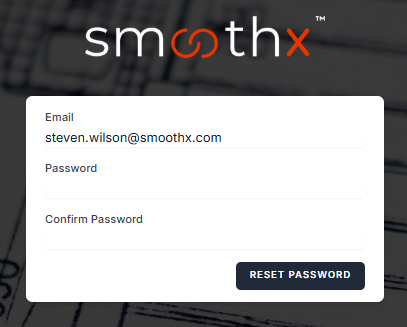
- Enter a new Password & Confirm Password
- Click Reset Password
- Return to the Log In page
- Enter Email and New Password
Logging Out
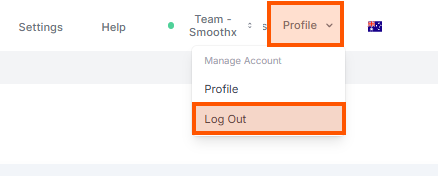
- Click the Profile menu
- Click Log Out